
A tour · TryMyPro
Your people
Your people are the ones whose word you trust. Watch Dana add a friend, invite one who is not on TryMyPro, and endorse a provider.
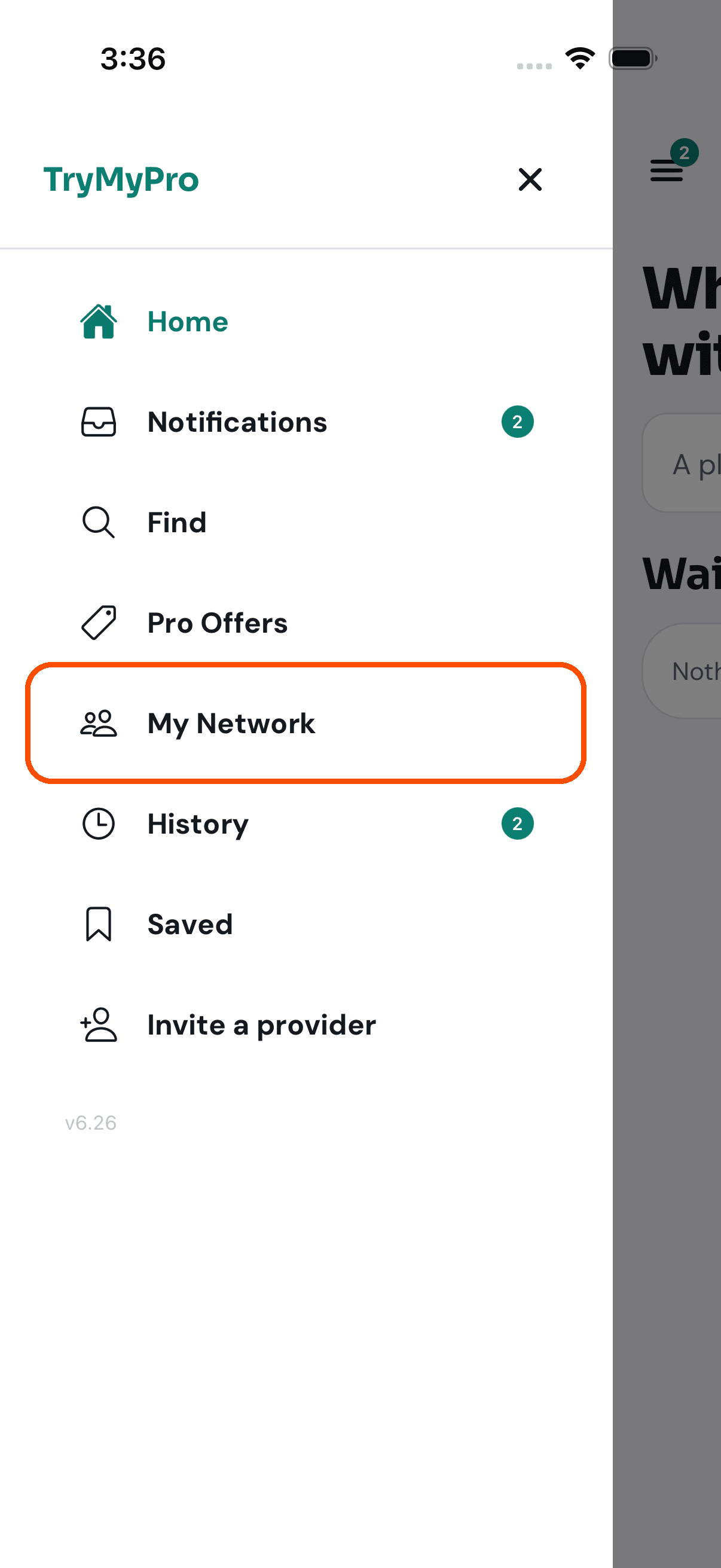
1 of 10 Dana opens the menu and taps My Network.
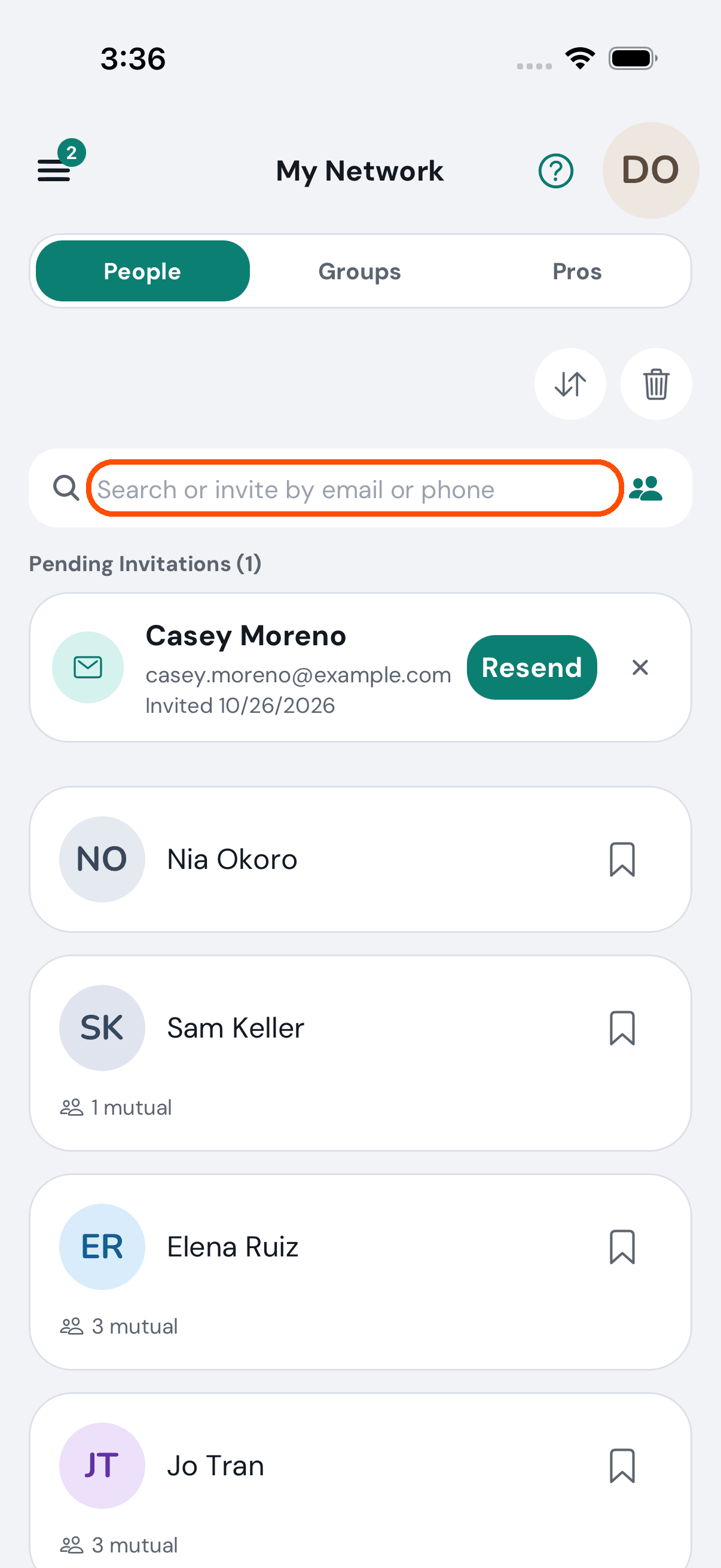
2 of 10 The people she trusts. The box at the top finds someone by email or phone.
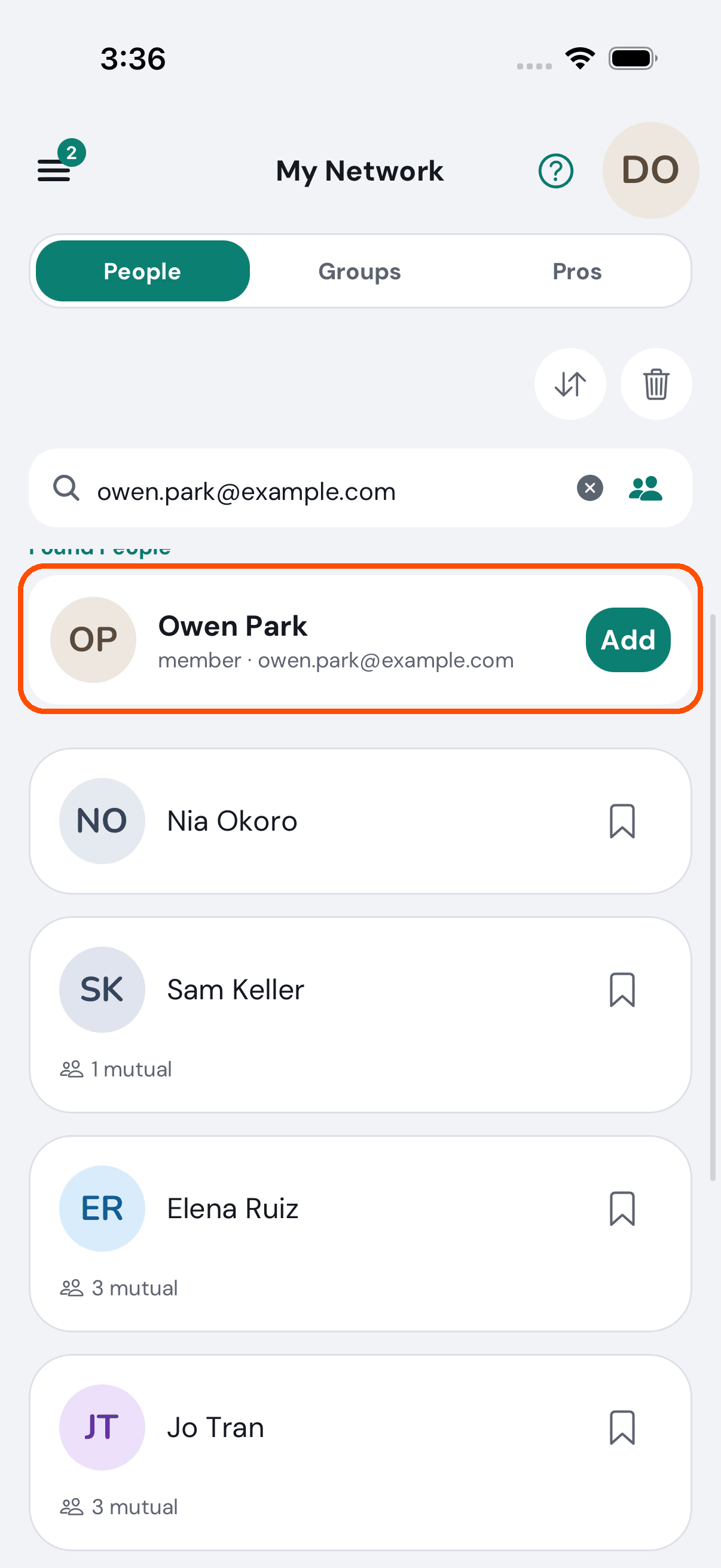
3 of 10 She types Owen’s email. He is on TryMyPro, so he comes up with Add.
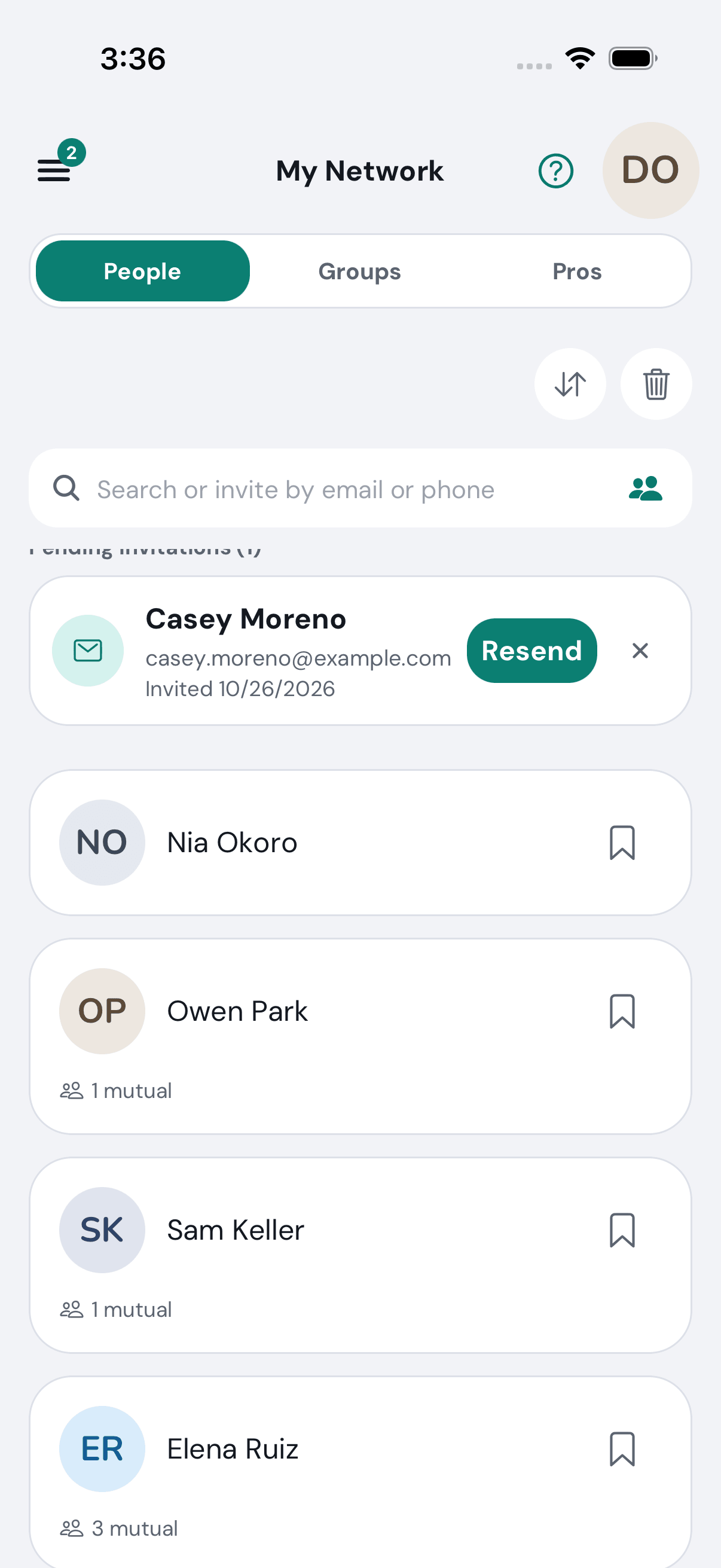
4 of 10 One tap and Owen is one of her people.
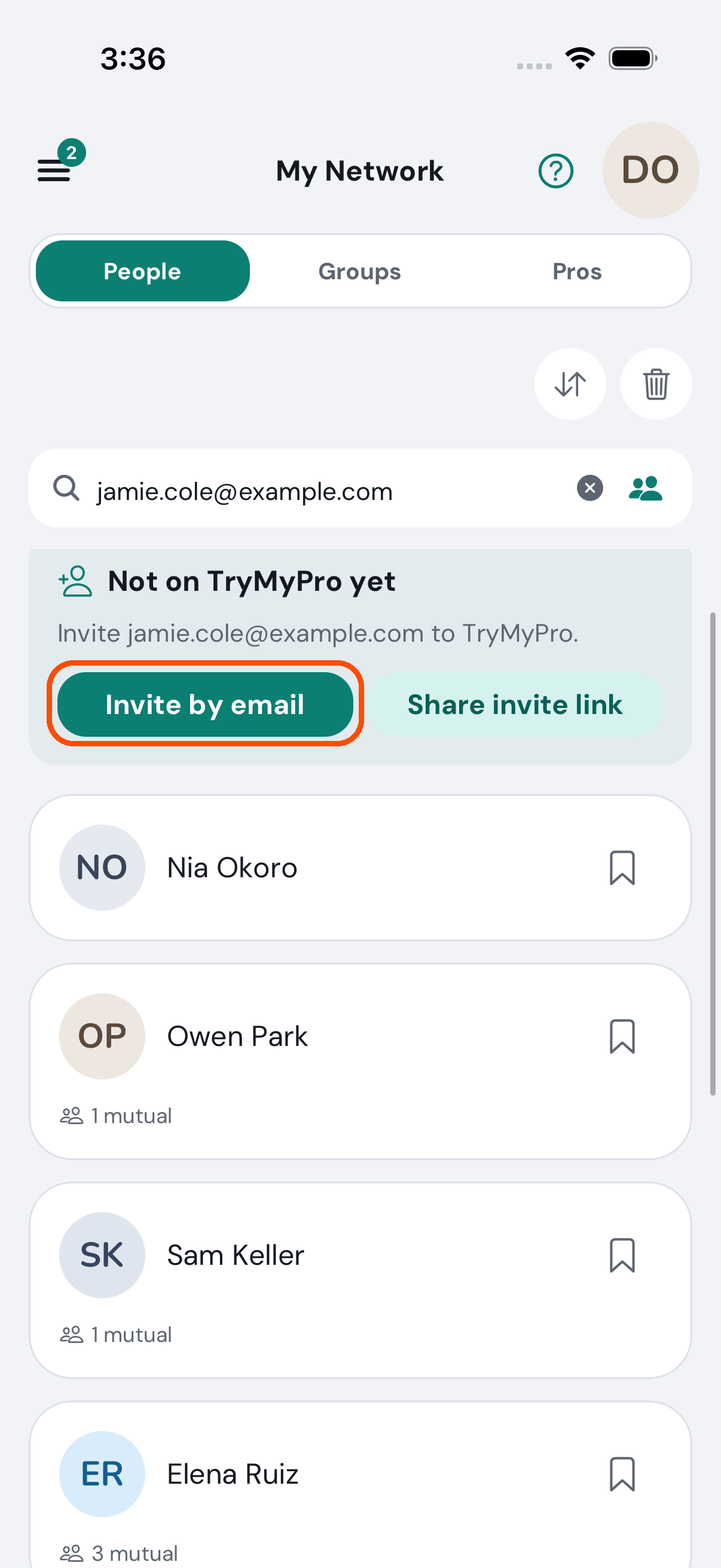
5 of 10 Jamie is not on TryMyPro yet, so TryMyPro offers to invite them.
6 of 10 This is the invitation, sent from Dana’s own phone by email or text. TryMyPro never sends it on its own.
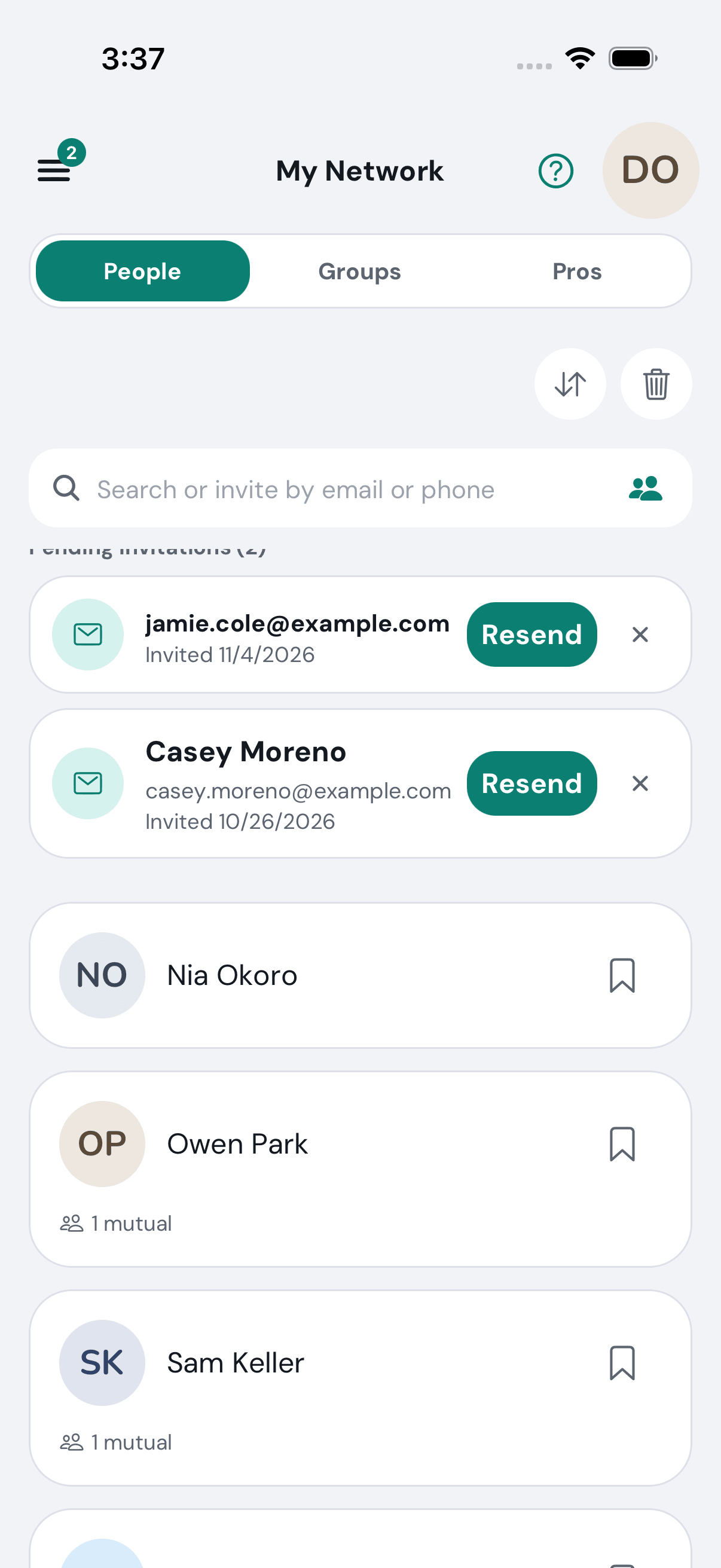
7 of 10 Until Jamie joins, the invitation waits at the top, with Resend.
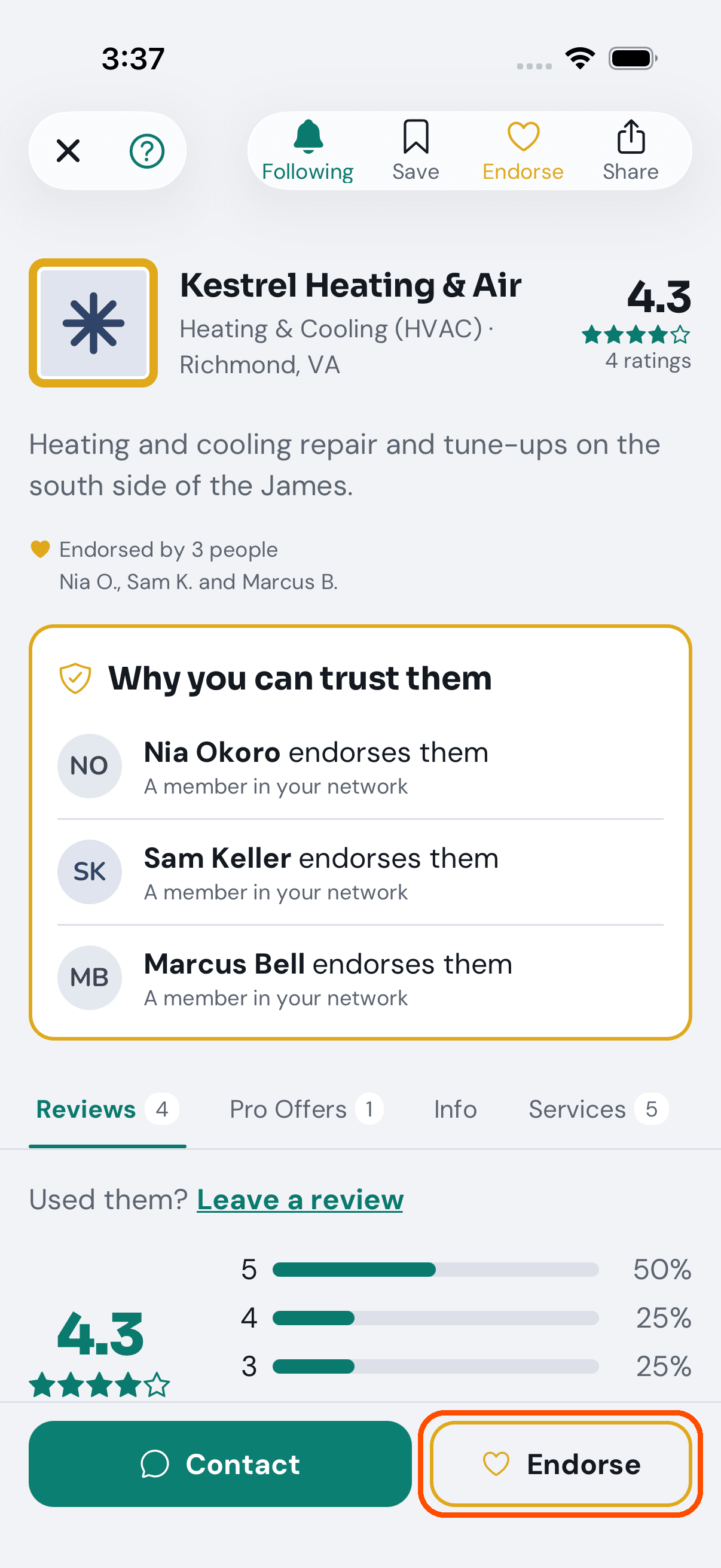
8 of 10 On a provider she trusts, Dana taps Endorse.
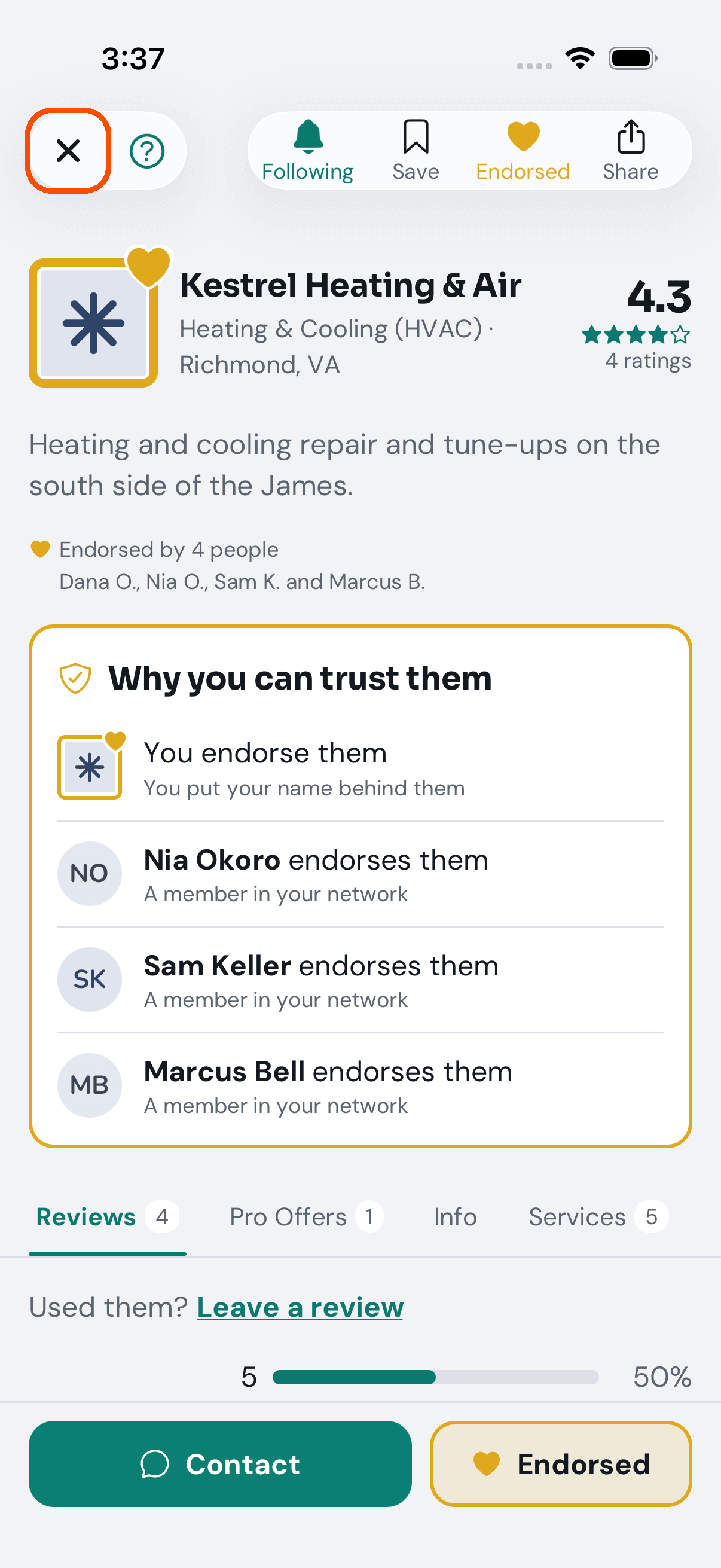
9 of 10 Endorsed. The page’s first reason to trust them now reads: you endorse them.
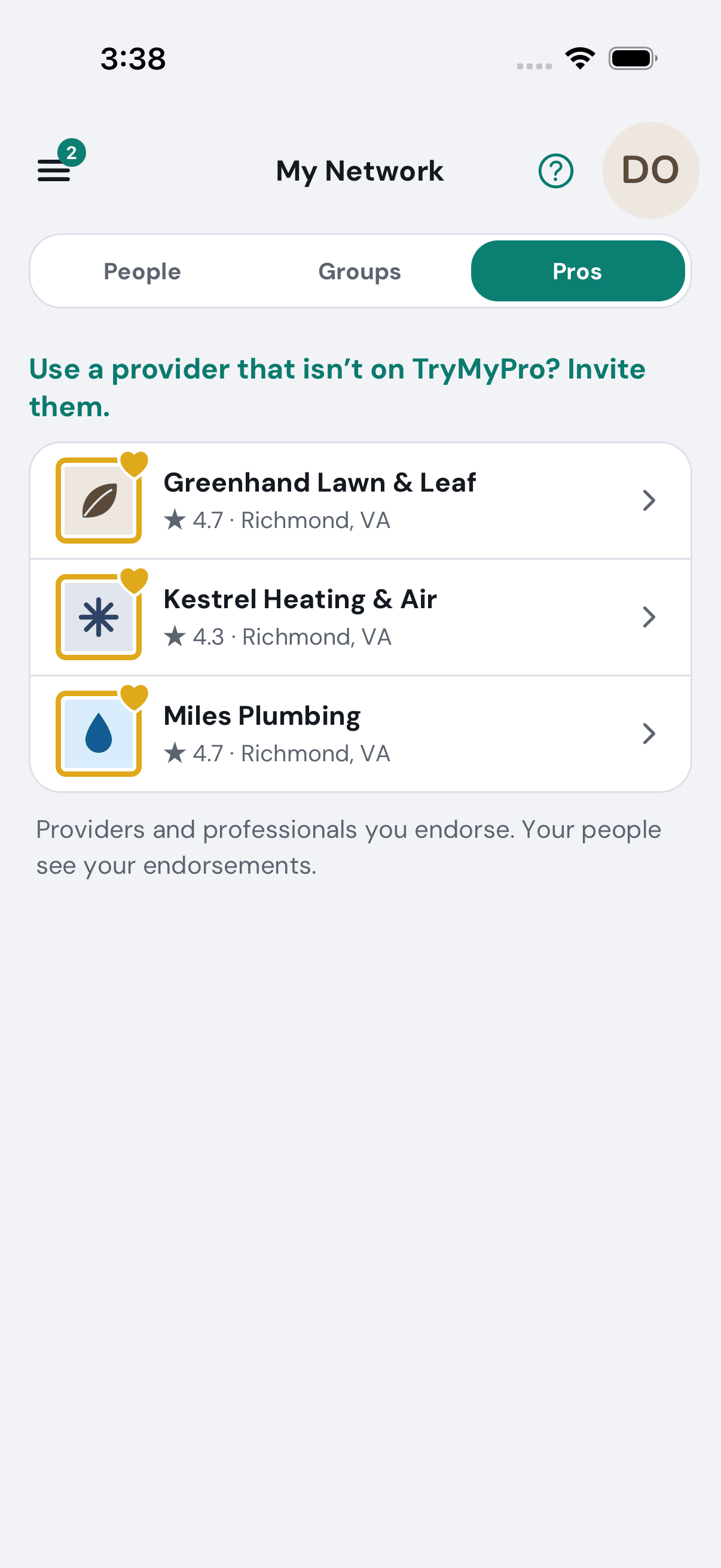
10 of 10 The businesses she endorses are under Pros, where her people see them.
Want the steps to do it yourself? Getting started. More tours: Join in a minute · Find a pro you can trust · Deals · Leave a review