
A tour · TryMyPro for Pros
Start a group
Miles starts a group of local providers that send customers to one another.
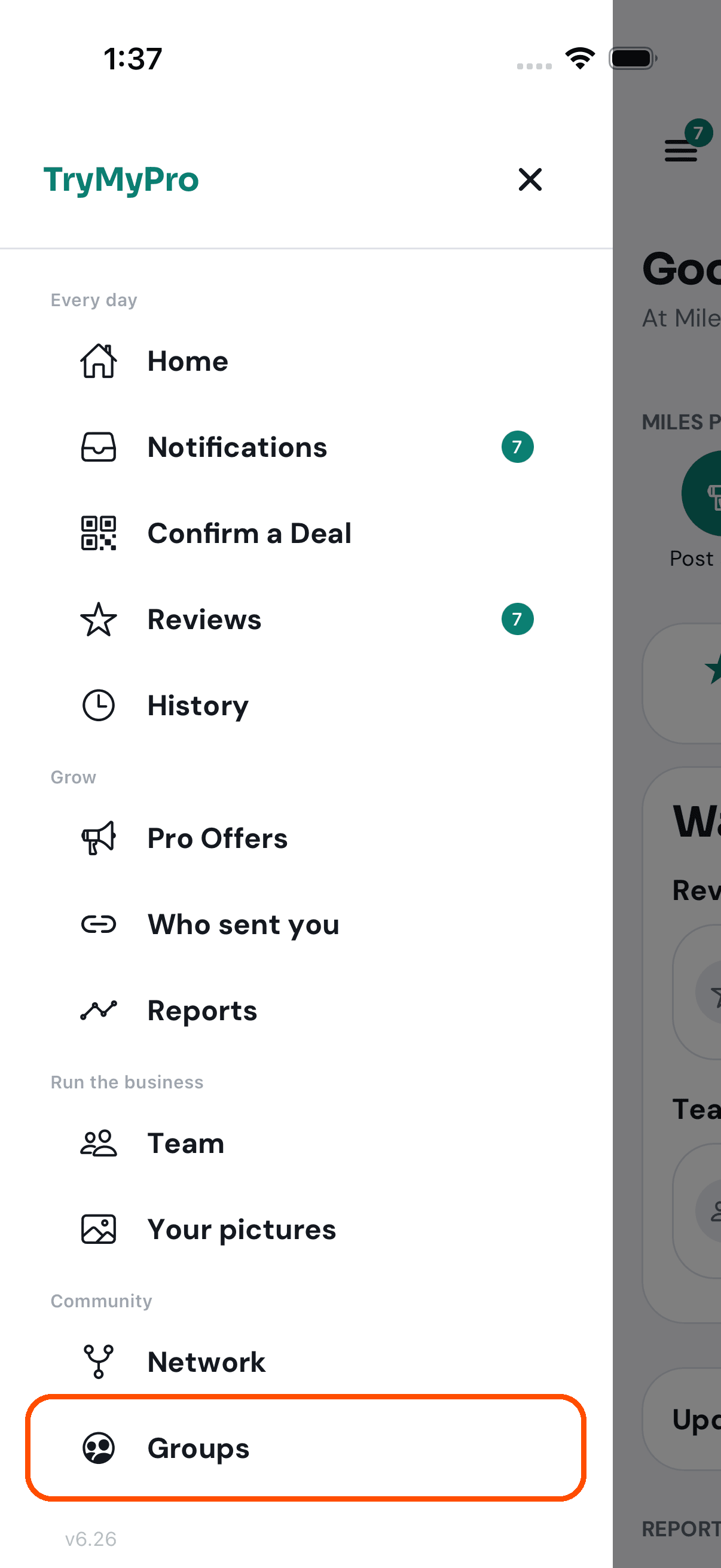
1 of 5 Miles opens the menu and taps Groups.
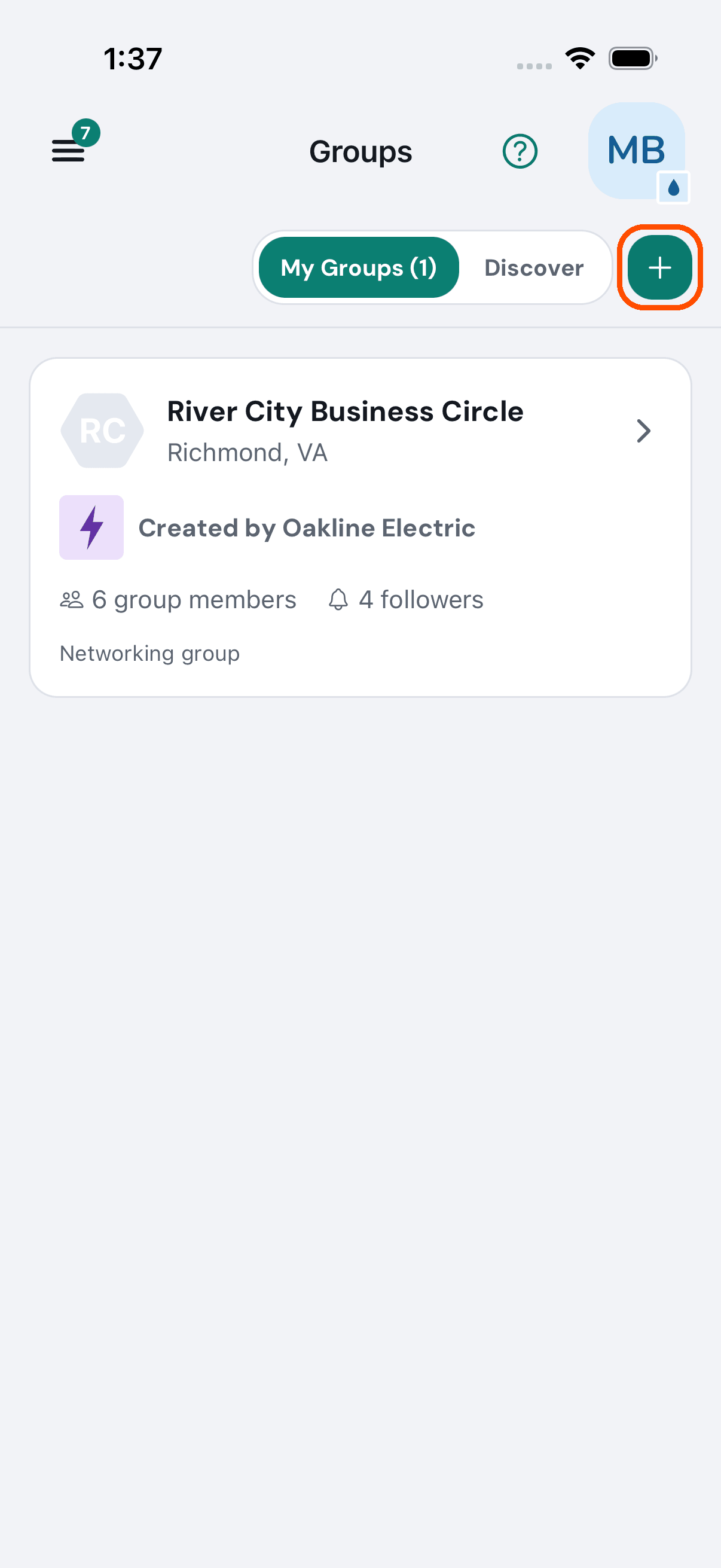
2 of 5 Groups shows the ones Miles Plumbing belongs to. He taps the plus to start one.
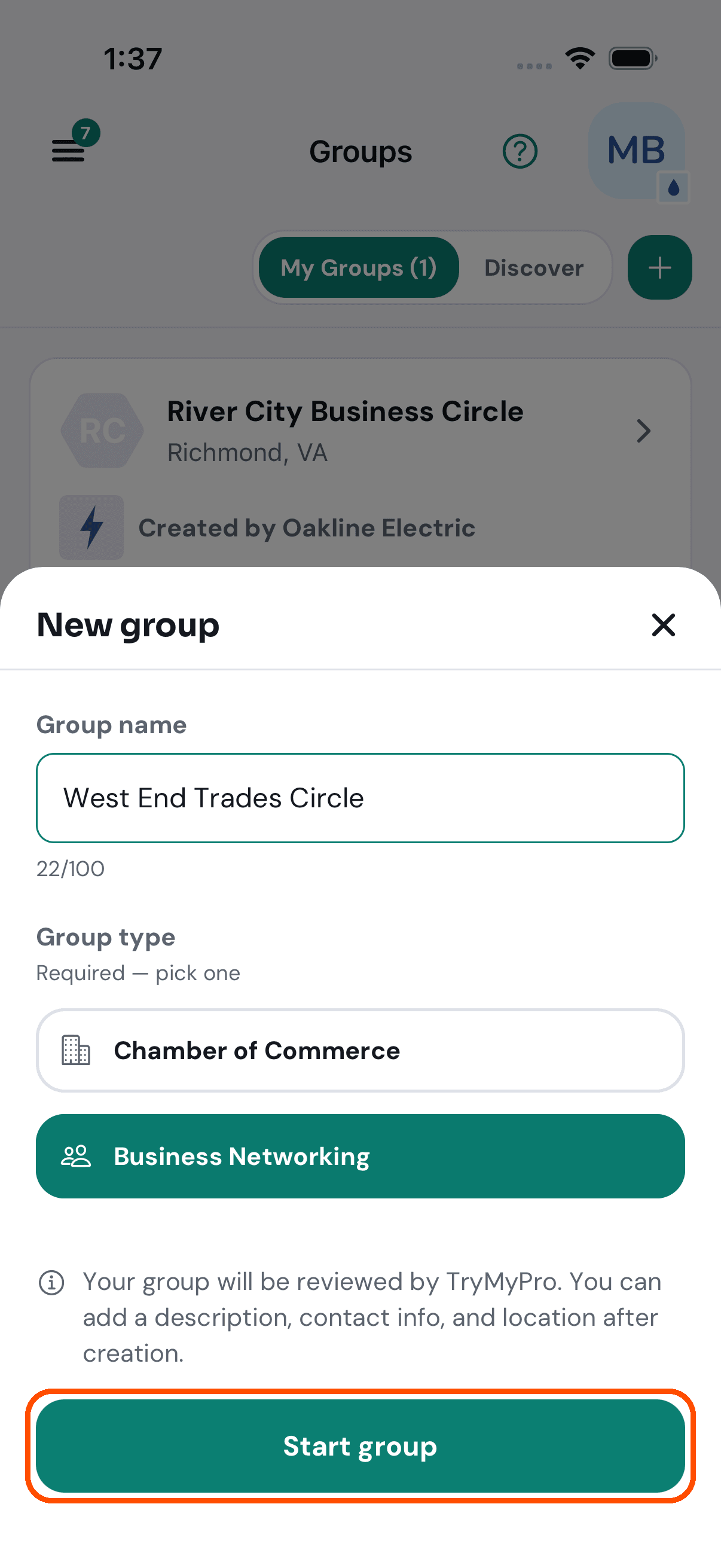
3 of 5 A name, and what kind of group it is: a chamber of commerce, or business networking.
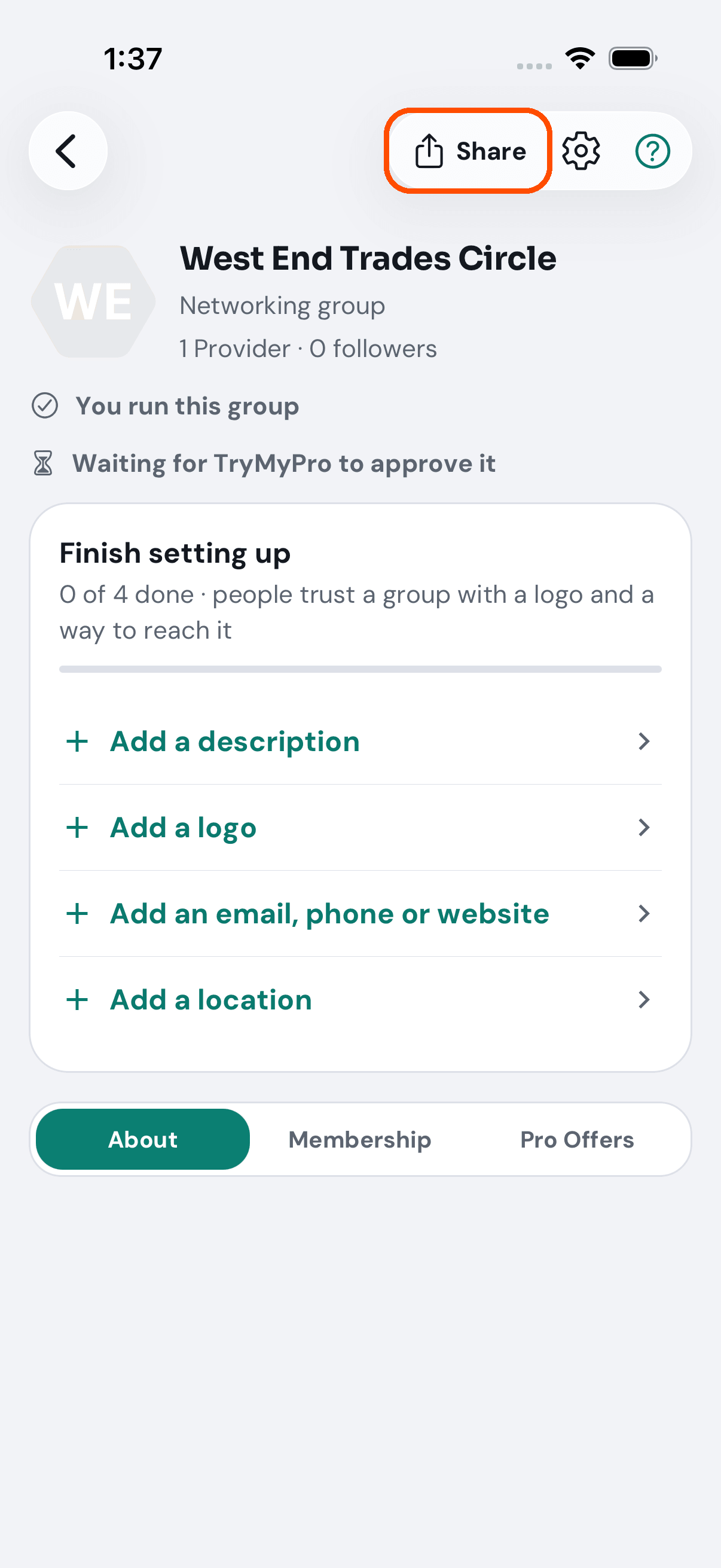
4 of 5 The group has its own page. TryMyPro looks at every new group first, so it says it is waiting for approval.
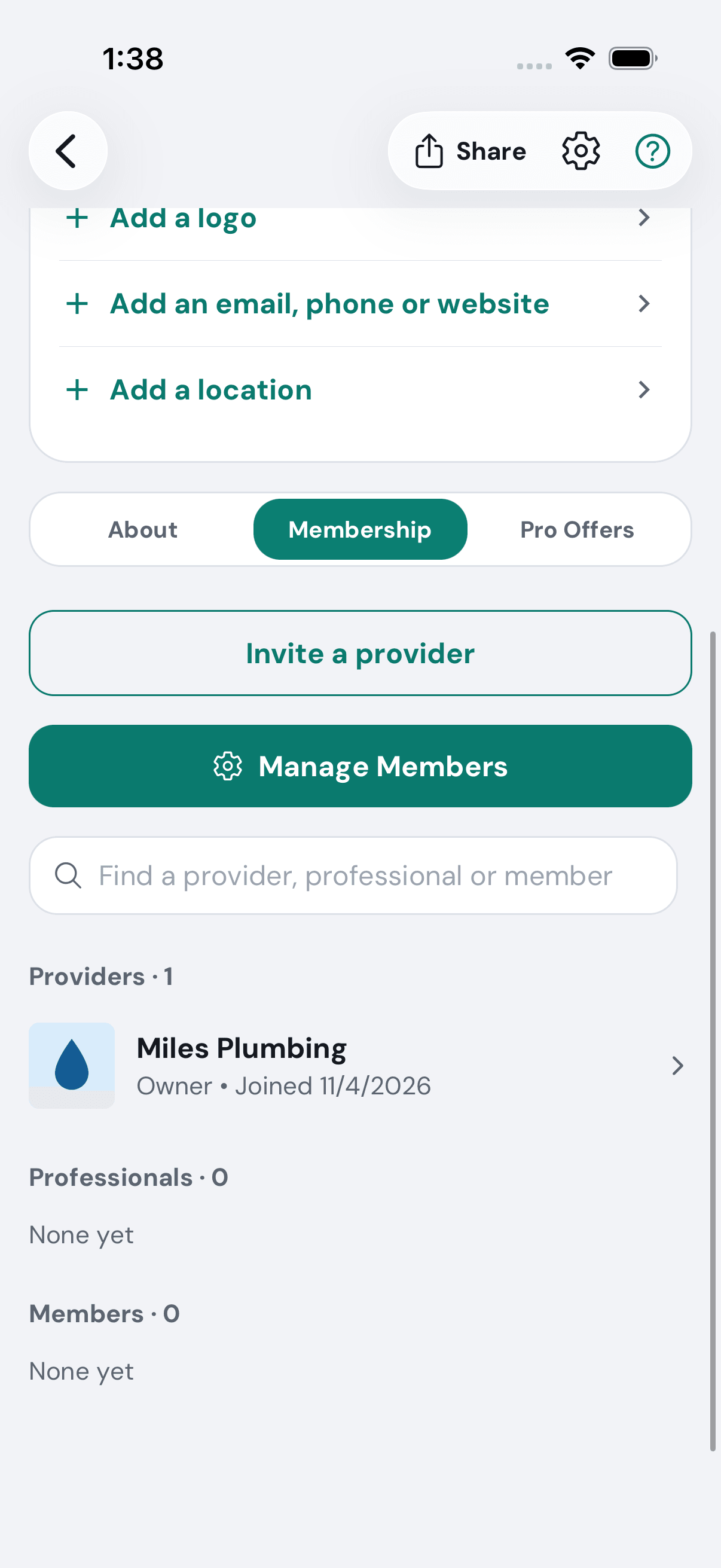
5 of 5 Miles Plumbing is its first provider. Share sends the group’s invitation from Miles’s own phone, and Manage Members is where he runs it.
Want the steps to do it yourself? Getting started. More tours: Set up your business · Build your team · Ask customers for reviews · Post a deal · Your day on Home